
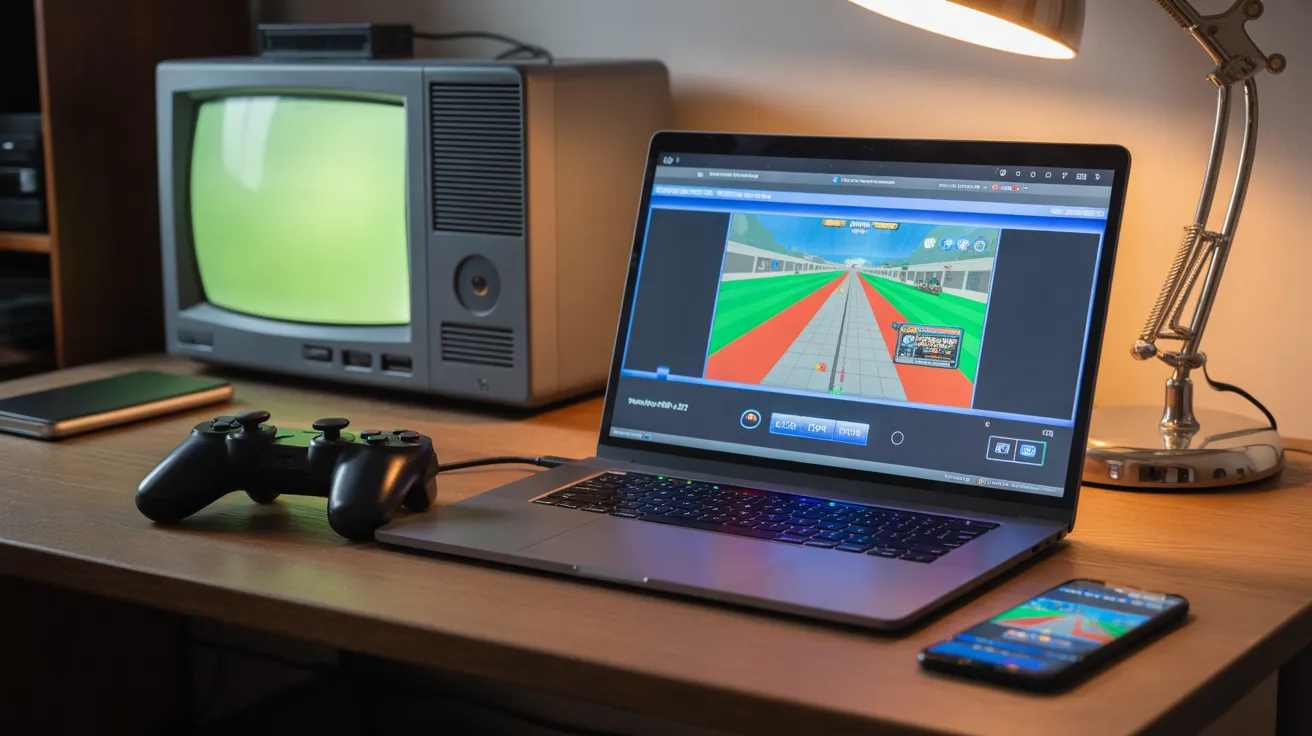
Reliving your childhood memories has never been easier than it is today. If you miss the days of sitting in front of a bulky television with a ps2 controller, you are in luck. Modern technology allows us to play those classic titles right on our computers or phones. A ps2 emulator is a special piece of software that acts like the original console. It tricks the game into thinking it is running on a real PlayStation 2. This means you can enjoy sharp graphics and smooth gameplay without needing the old hardware. Many people love using these programs because they can save their progress at any time. You can also use modern controllers to play, which feels much more comfortable. Getting started is simple if you follow a few basic steps. In this guide, we will show you how to set up everything perfectly. You will learn about files, settings, and where to find the best games for your collection.
Technical Overview of PlayStation 2 Emulation
| Feature | Details |
| Original Release Year | 2000 |
| Best Emulator | PCSX2 (Desktop) / AetherSX2 (Mobile) |
| Required Files | ps2 bios & Game ISOs |
| Control Support | ps2 controller, Xbox, & DualSense |
| Average File Size | 1GB to 4GB per game |
| Complexity | Easy to Moderate |
What Exactly is a PS2 Emulator?
A ps2 emulator is a bridge between the past and the present. It is a program that recreates the environment of the Sony PlayStation 2 on a different device. In the early days, these programs were very slow and glitchy. However, developers have worked hard for over twenty years to make them perfect. Today, a ps2 emulator can run almost every game ever made for the system. It uses your computer’s power to enhance the resolution of the games. This makes old ps2 games look crisp and clear on high-definition monitors. Instead of blurry textures, you see sharp lines and vibrant colors. It is truly the best way to experience gaming history without dealing with old cables.
Why You Need a PS2 Bios to Start
Before you can start playing, you need a very important file called the ps2 bios. Think of the BIOS as the “soul” of the console. It contains the basic instructions that tell the hardware how to wake up and run. Without a ps2 bios, your ps2 emulator will not know how to start the games. Most emulators require you to provide this file yourself to stay legal. You can extract it from your own physical console using a simple tool. Once you have the BIOS file, you simply point the software to its location. After that, the classic Sony intro animation will play on your screen. It is a very satisfying moment for any retro gaming fan.
Finding and Running Your Favorite PS2 Games
The real magic happens when you load up your favorite ps2 games. These games are usually saved as “ISO” files, which are digital copies of the original discs. There were thousands of titles released for the system, covering every genre imaginable. From high-speed racing to deep role-playing adventures, there is something for everyone. When using a ps2 emulator, you can create a digital library of all your favorites. You no longer have to worry about discs getting scratched or lost over time. Simply click on the game title in your list, and it starts instantly. It is much faster than waiting for an old disc drive to spin up.
Connecting Your PS2 Controller for an Authentic Feel
While you can use a keyboard, nothing beats using a real ps2 controller. Many fans use USB adapters to plug their original controllers into their computers. You can also use modern Bluetooth controllers, which the ps2 emulator will recognize easily. Mapping the buttons is a quick process in the settings menu. Having those familiar analog sticks and shoulder buttons makes the gameplay feel right. It helps with muscle memory, especially in fast-paced action games. Using a ps2 controller ensures that you play the game exactly how the developers intended. It adds a layer of nostalgia that makes the whole experience feel much more authentic and fun.
How to Install Your PS2 Emulator Quickly
Installing a ps2 emulator is a very straightforward task for most users. First, you need to download the latest version from an official website. Most of these programs do not even need a formal installation process. You just unzip the folder and run the application file. During the first launch, a setup wizard will guide you through the basics. It will ask you to select your language and your ps2 bios file. Make sure you keep your files organized in folders so you don’t lose them. Once the setup is done, you are ready to explore the world of retro gaming. It takes less than ten minutes to get everything running perfectly.
Optimizing Graphics for the Best Experience
One of the biggest perks of using a ps2 emulator is the improved graphics. The original console played games at a very low resolution. On a modern PC, you can increase this resolution by four or five times. This makes ps2 games look like modern indie titles. You can also add “shaders” to make the screen look like an old CRT television if you prefer that look. If your computer is not very powerful, you can keep the settings at “Native” to ensure smooth speed. Most mid-range laptops today can handle a ps2 emulator without any lag. Experimenting with the settings is part of the fun of being a PC gamer.
Saving Your Progress with State Slots
In the old days, you had to find a save point in the game or use a memory card. A ps2 emulator changes this by offering “Save States.” This feature allows you to save your game at any exact second. If you are about to fight a hard boss, you can save right before the battle. If you lose, you can reload that state instantly. It saves a lot of time and reduces frustration during difficult levels. You can have multiple save slots for the same game as well. This is perfect for sharing the computer with a sibling or friend. It makes playing long ps2 games much more manageable for busy people.
Troubleshooting Common Emulator Issues
Sometimes, a ps2 emulator might run into a small problem. You might see a black screen or experience “slow motion” audio. Most of the time, this is caused by a wrong setting in the video plugin. Simply switching from “OpenGL” to “Vulkan” can fix many speed issues. Also, ensure your ps2 bios matches the region of your games. For example, a US game works best with a US BIOS file. If a game crashes, checking for a software update usually solves the bug. There are huge online communities where people help each other with these settings. You are never alone when trying to get your games to work.
The Legal Side of Using a PS2 Emulator
It is important to understand how to use a ps2 emulator responsibly. The software itself is completely legal to own and use. However, you should always use files from games that you actually own. This supports the idea of “fair use” and keeps the hobby safe. The same applies to the ps2 bios; it is best to get it from your own console. Many collectors keep their original discs on a shelf and play the digital versions for convenience. This keeps the physical discs in perfect condition for years to come. Being a responsible gamer ensures that the emulation community stays strong and respected.
Why the PS2 Era Remains So Popular
People still talk about ps2 games because it was a golden age of creativity. During that time, developers took big risks with new ideas. We saw the birth of many famous franchises that are still popular today. The library of games is so massive that you could play a new one every day for years. Using a ps2 emulator allows a new generation to discover these gems. Whether it is a famous title or an obscure hidden treasure, the fun remains the same. The PlayStation 2 had a certain charm that is hard to find in modern gaming. It is a piece of history that deserves to be played and remembered forever.
Conclusion: Start Your Adventure Today
Starting your journey with a ps2 emulator is a rewarding experience. It brings back the joy of simple, fun gaming without the need for constant internet updates. By gathering your ps2 bios and setting up your ps2 controller, you create a perfect retro station. You can explore thousands of ps2 games and see them in a whole new light. The process is easy enough for anyone to follow, even if you aren’t a tech expert. So, grab your favorite snacks, load up a classic title, and enjoy the ride. The world of 128-bit gaming is waiting for you to jump back in and play.
Frequently Asked Questions
1. Is a PS2 emulator safe for my computer?
Yes, most well-known emulators are completely safe and open-source. Just make sure you download them from their official websites to avoid any unwanted software.
2. Can I play PS2 games on my Android phone?
Yes, there are several mobile apps that act as a ps2 emulator. You will still need a ps2 bios and the game files on your phone’s storage to play.
3. Do I need a powerful PC to run these games?
You do not need a supercomputer. Most modern laptops with a basic graphics card can run a ps2 emulator very well. Older computers might need to run at lower resolutions.
4. Can I use a PS4 or PS5 controller?
Absolutely! Most emulators work perfectly with modern controllers. You can connect them via USB or Bluetooth and map the buttons in the settings.
5. Why is my game running in slow motion?
This usually happens if your computer is struggling to keep up. Try lowering the “Internal Resolution” in the settings or closing other programs running in the background.
6. Where do I put the PS2 bios file?
When you first open the ps2 emulator, it will ask you to select a folder for the BIOS. Create a folder named “BIOS” inside the emulator directory and place the file there.